Jessica Hische Bio App
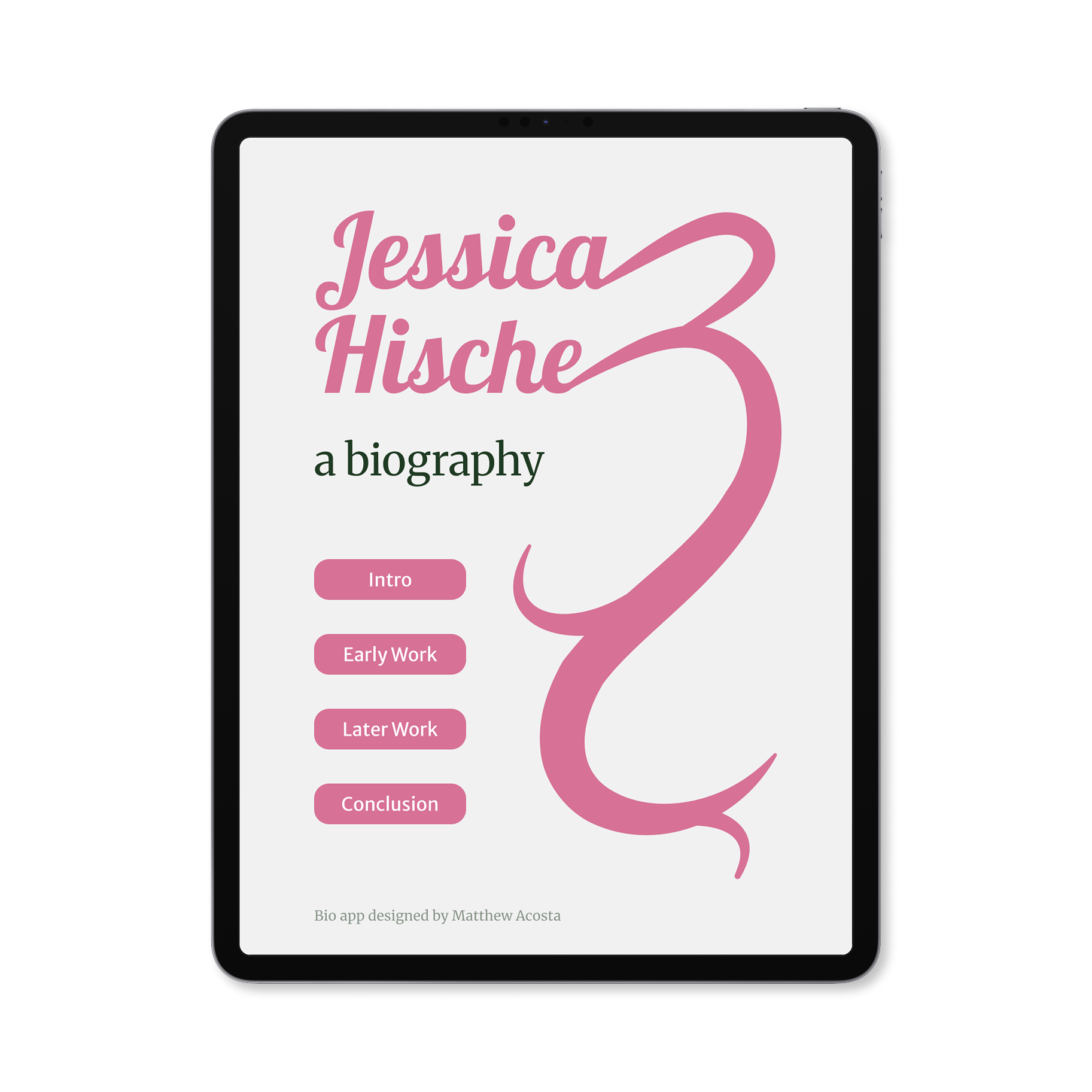
This is a simple app I have designed that showcases the biography and works of the designer talented Jessica Hische.
Project Overview
Scope: App Design — UX Design — Research
Type: University Coursework
Timeline: Sep 2025 — Jan 2026
Bio App Prototype
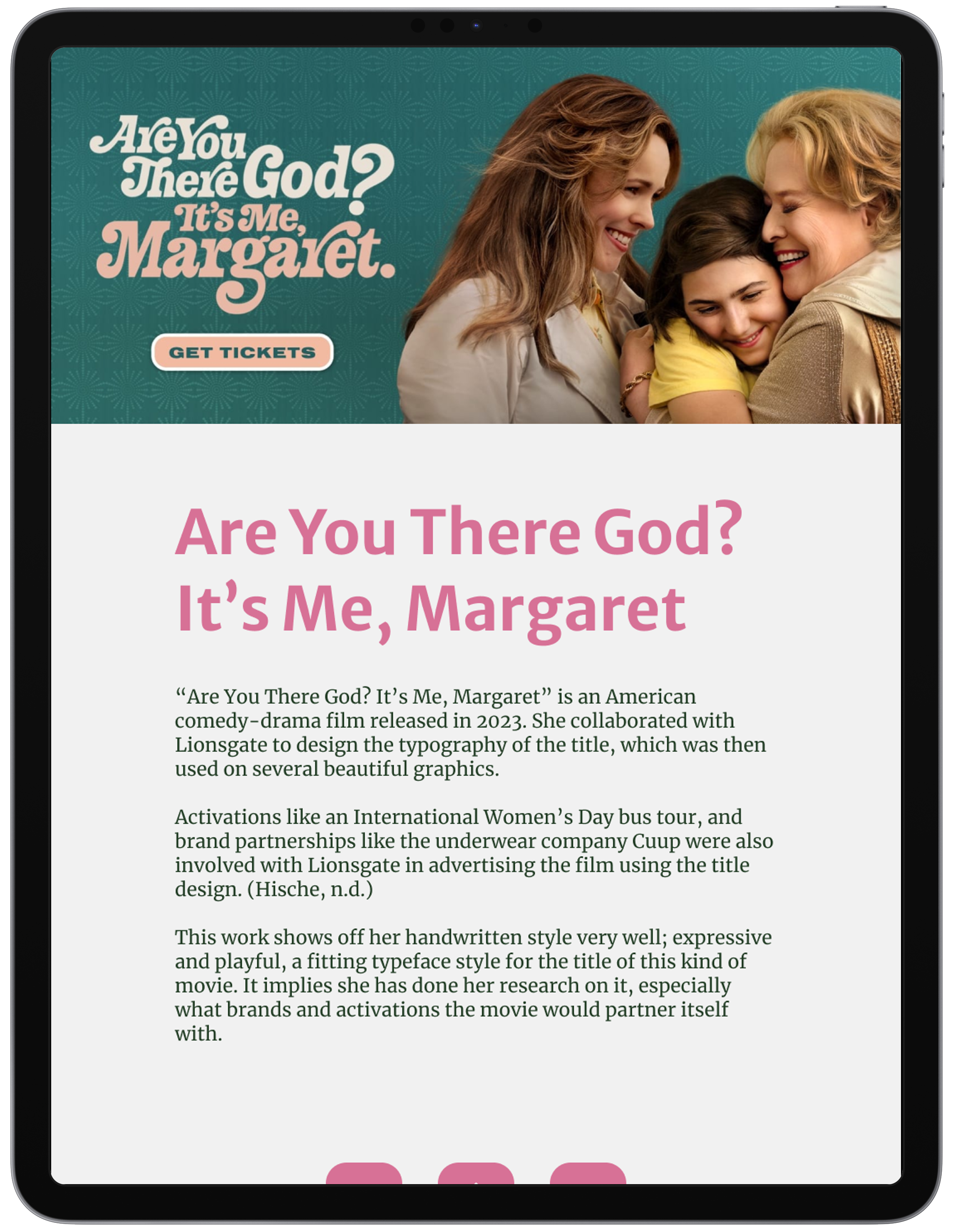
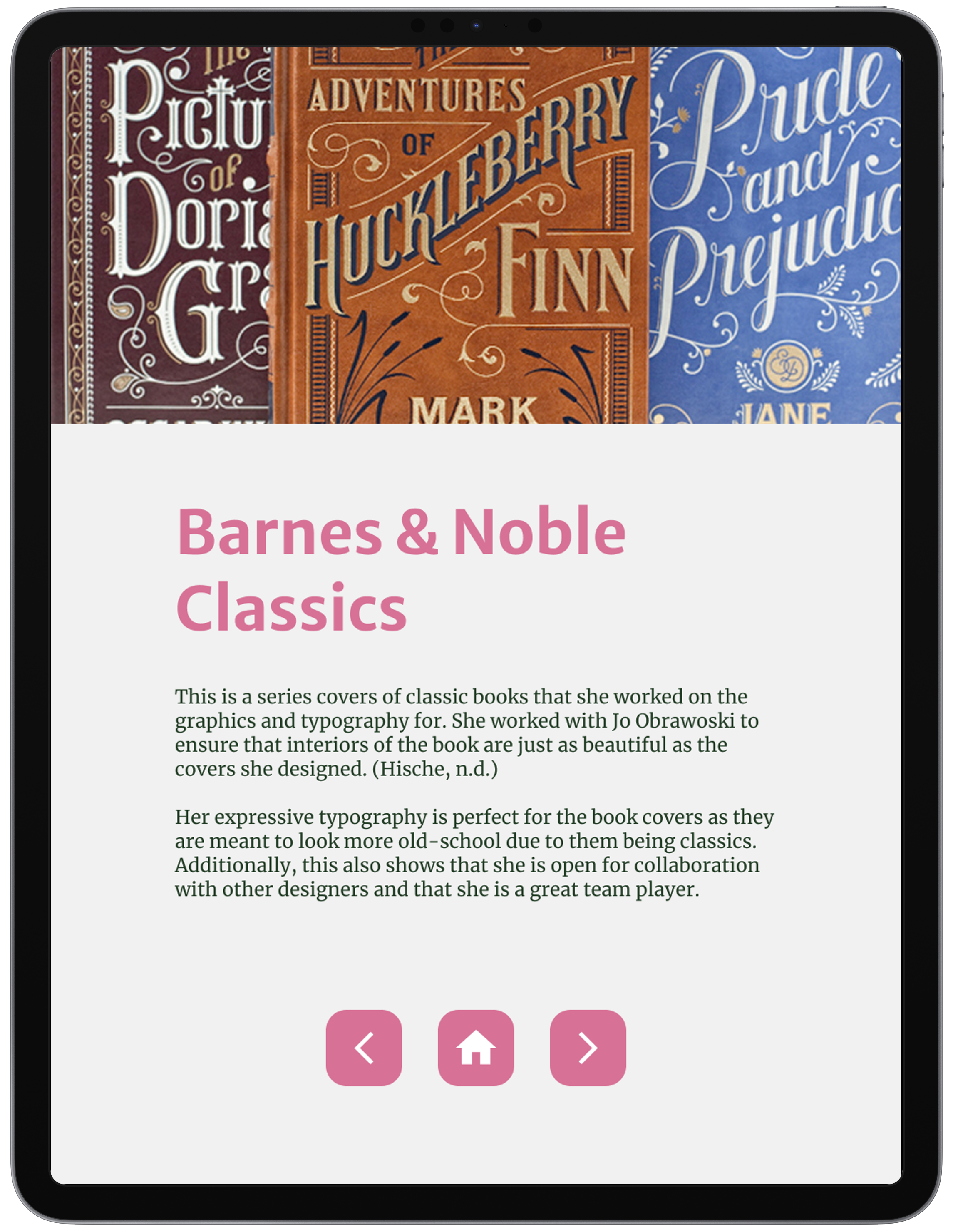
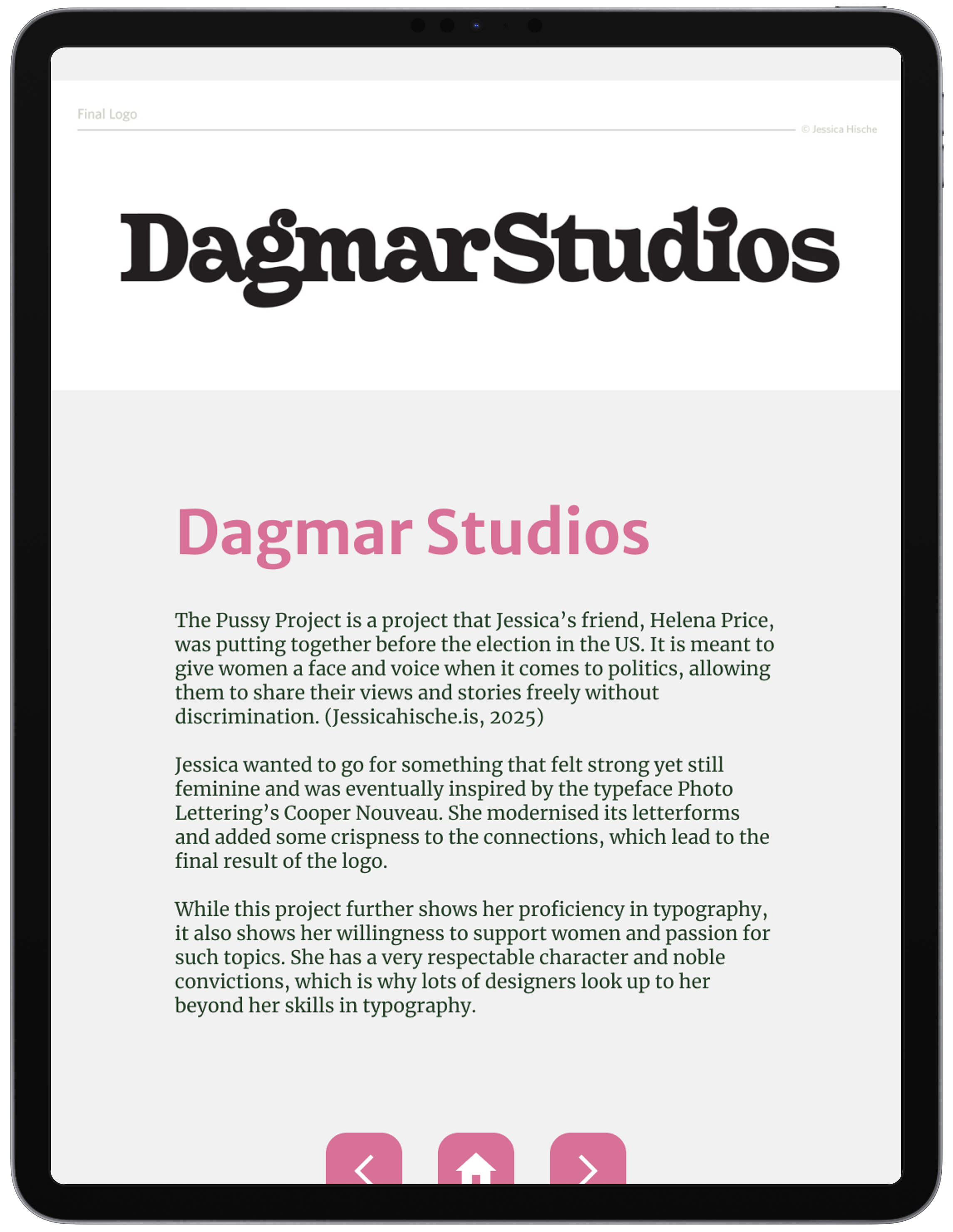
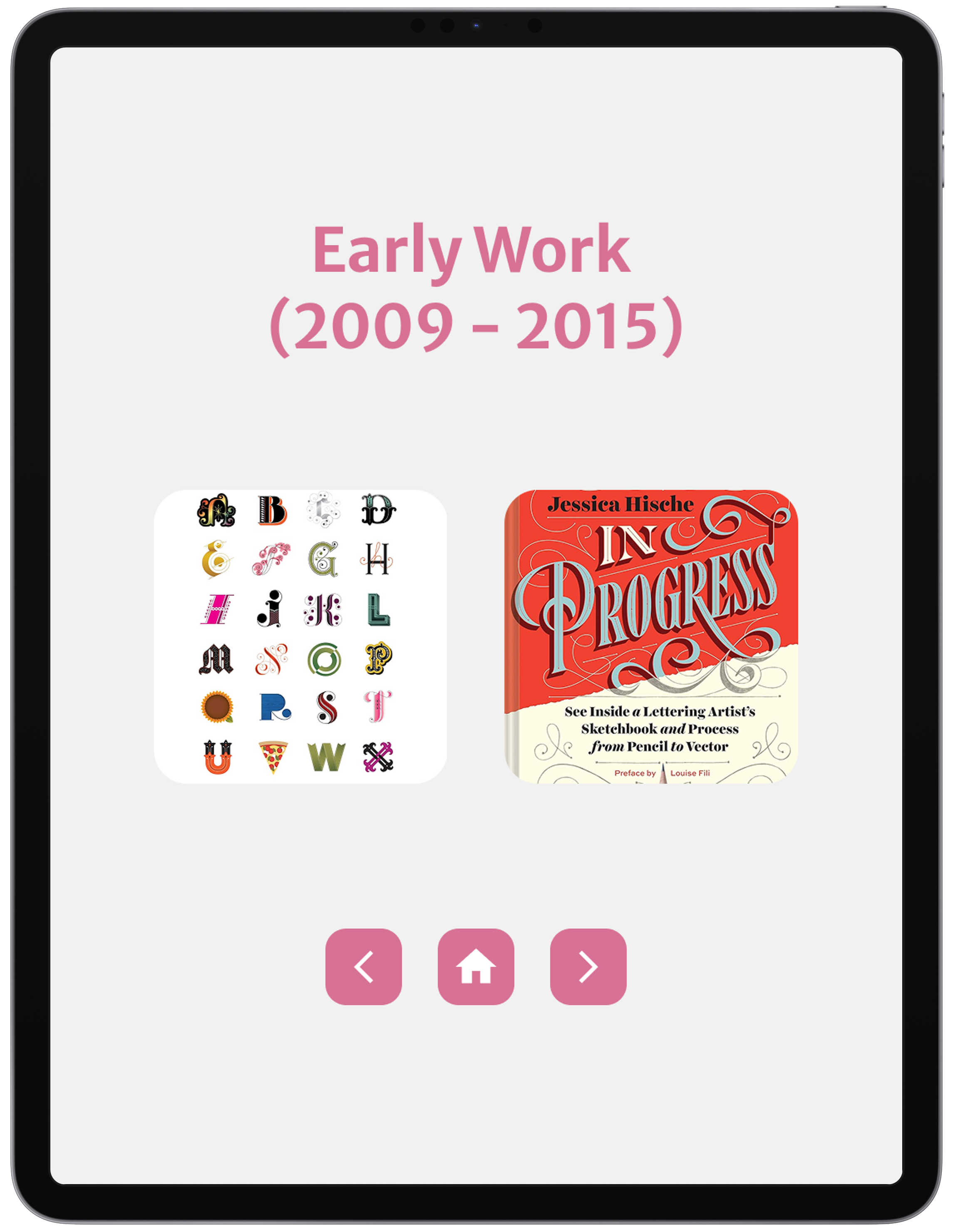
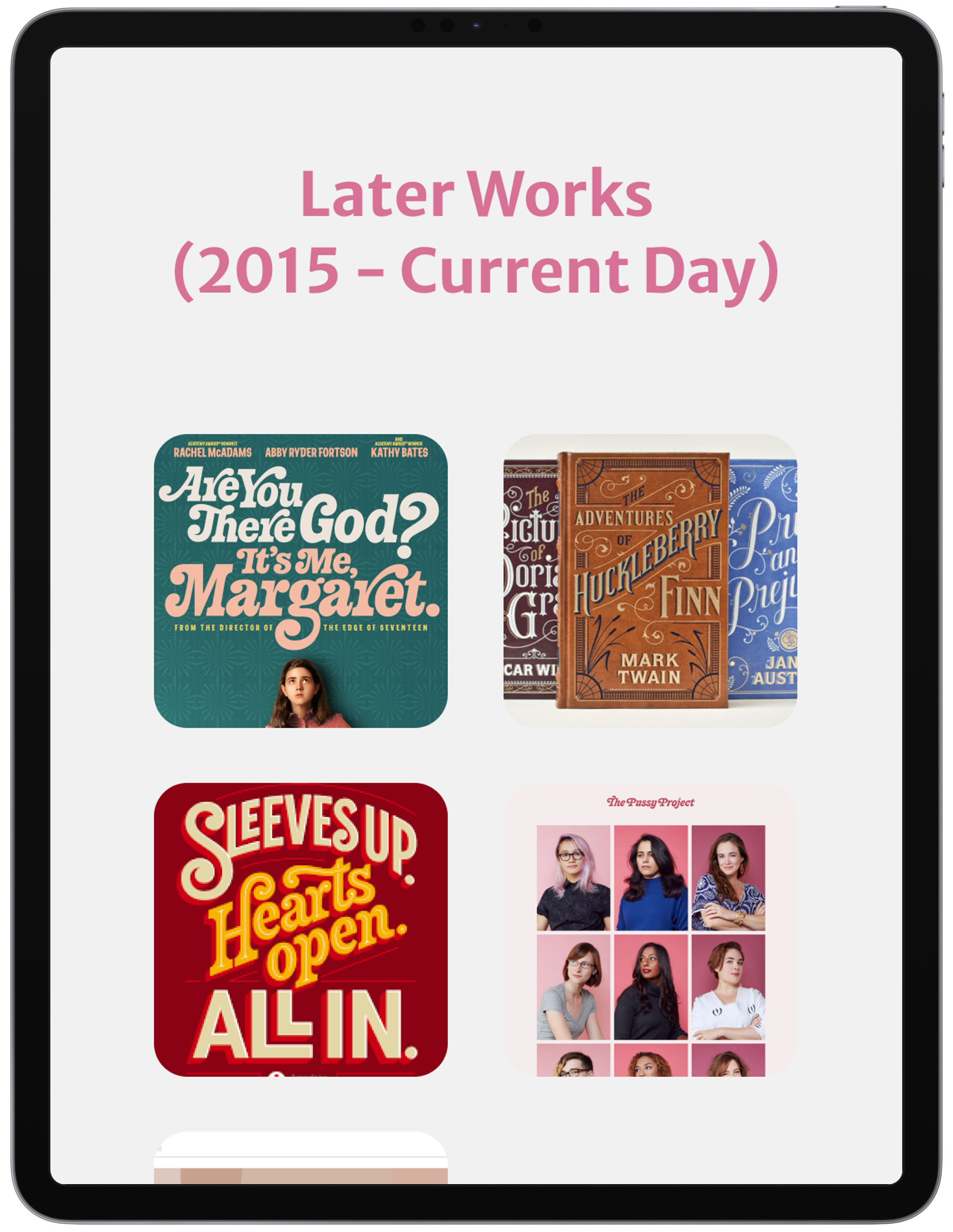
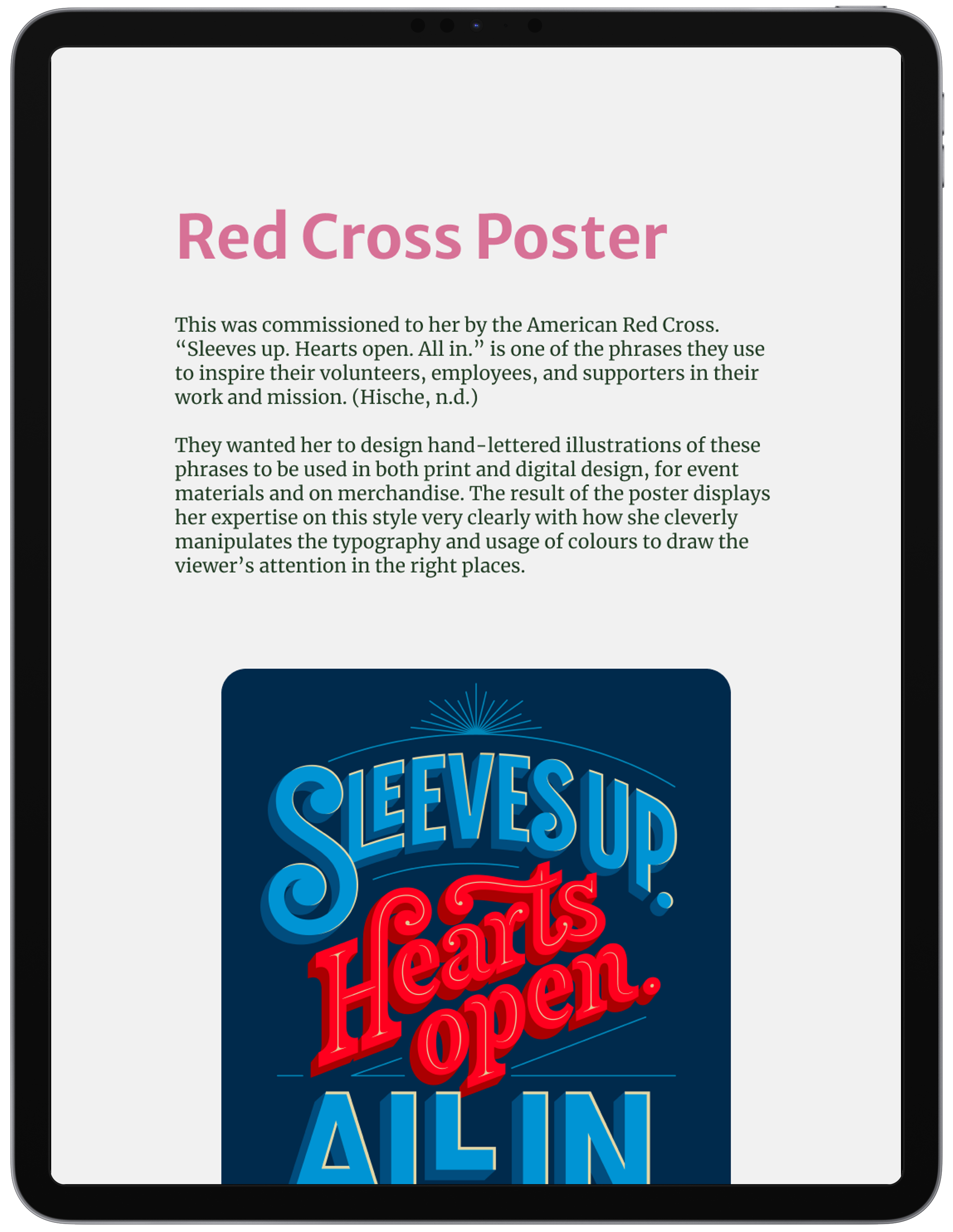
This is a functional prototype I have designed using Figma, allowing users to interact with the buttons and navigate through Jessica Hische’s biography with ease.
The goal of this project was not only to research about renowned designers, but also to explore ways on how to develop an app prototype through the lens of making a biography app of the designer.
Extensive Research
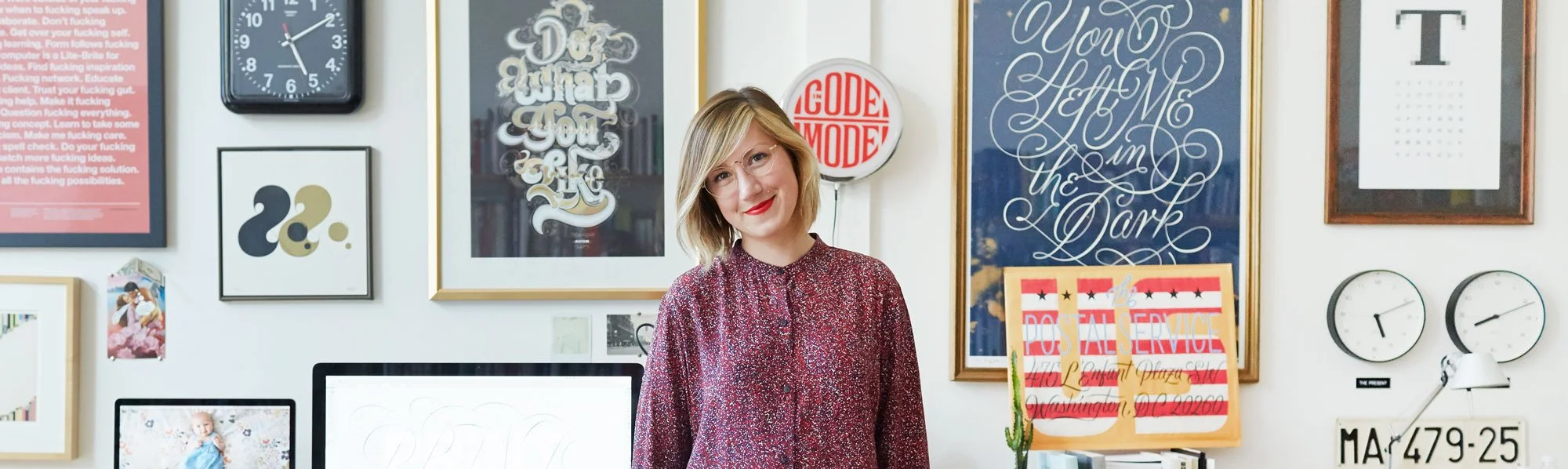
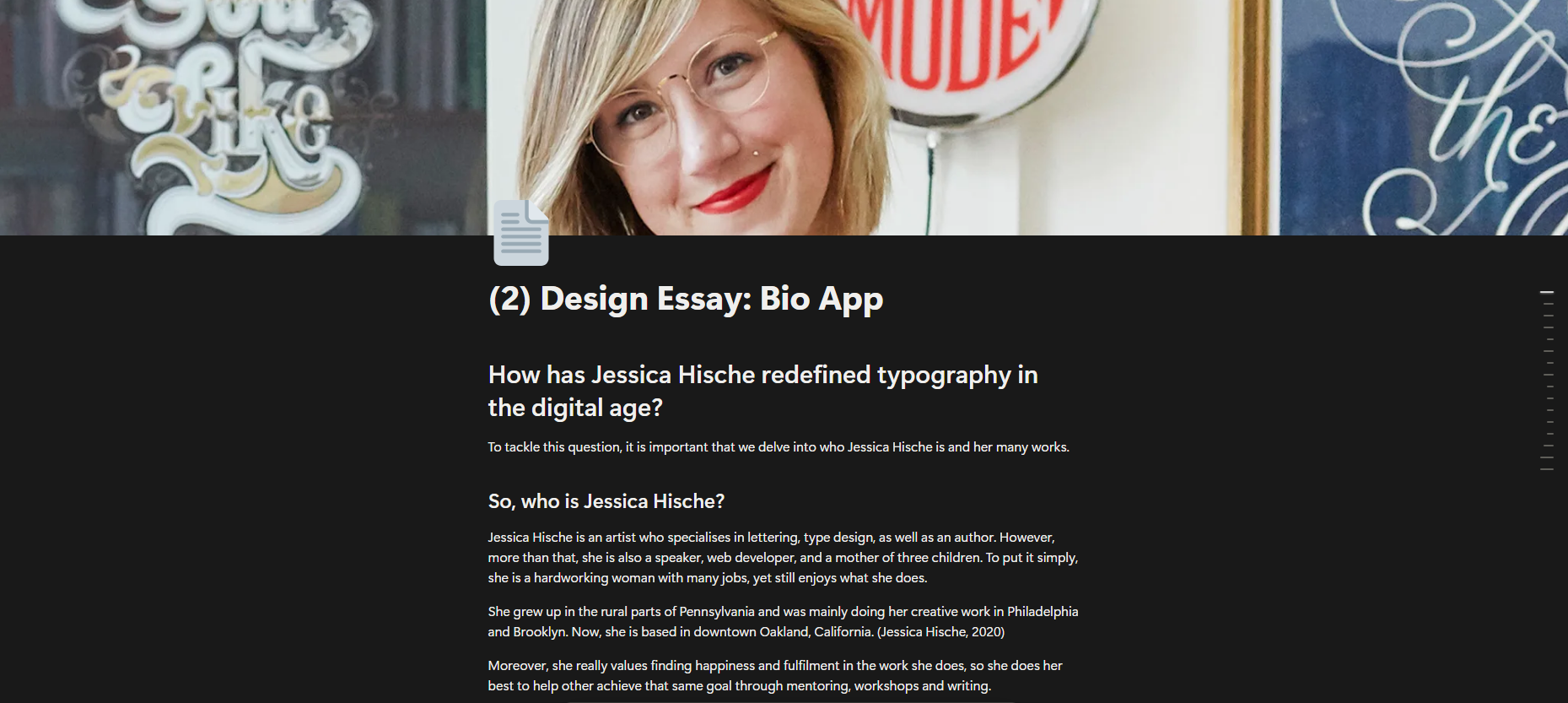
As this is a bio app for Jessica Hische, I needed to do a lot of research on who she is as both a person and a designer, including her history, portfolio, and any fun facts I could find about her.
Fortunately, there were numerous articles on her, as well as a beautiful website designed by her helping me get some insights into who she is.
I’ve written a brief yet in-depth essay about her as part of my research. This essay also ended up being content for the bio app itself.
Design Process — Sketching
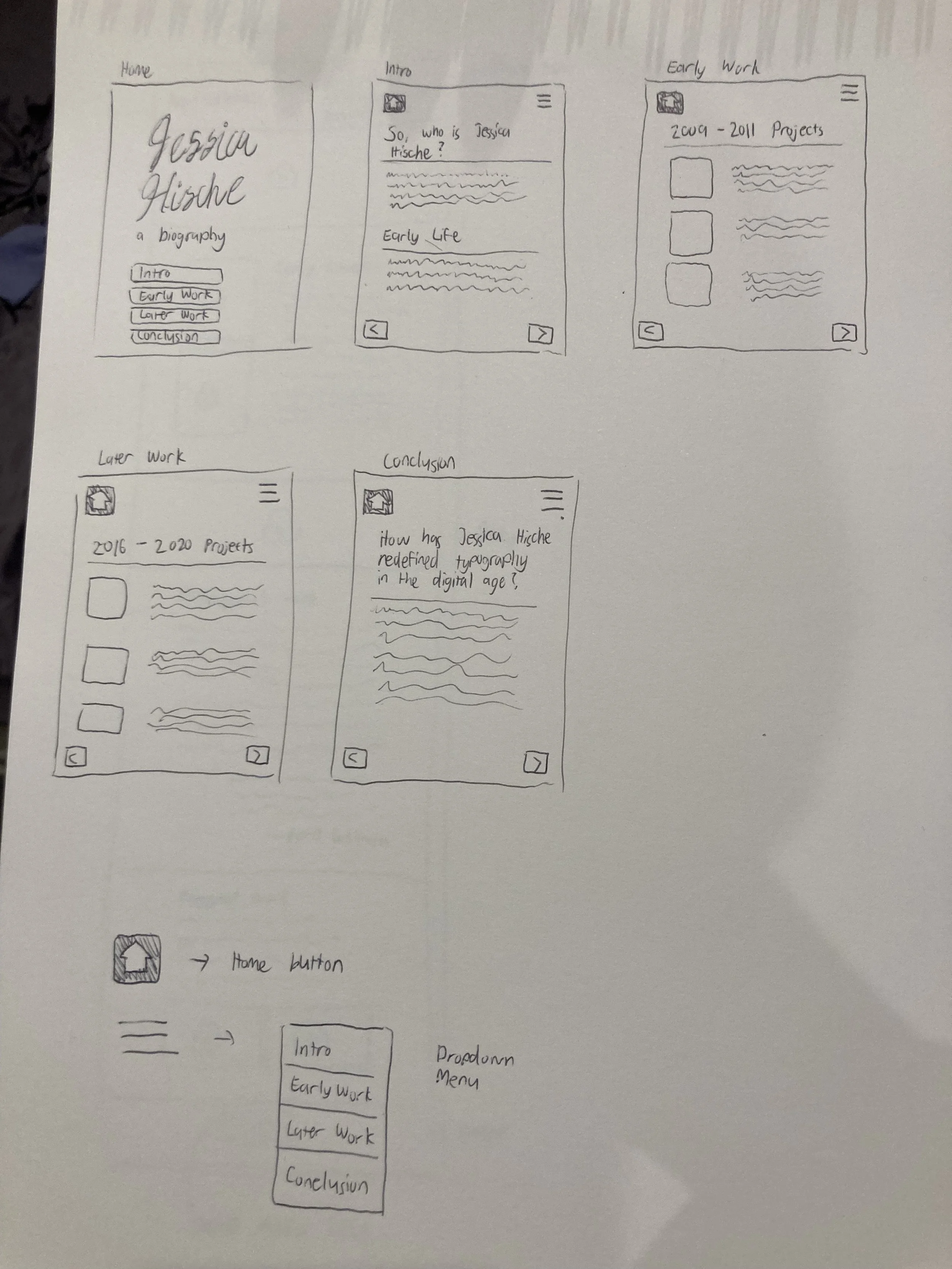
As with all app designs, one the first things I started with are simple wireframe sketches of how the app might look like.
I sketched out elements like buttons, text, how they might be arranged on a screen, as well as the titles of each screen.
This is an important part of the process for me as it helps me visualise what I want to do once I get started on Figma.
Design Process — Low-Fi Wireframing and Prototyping
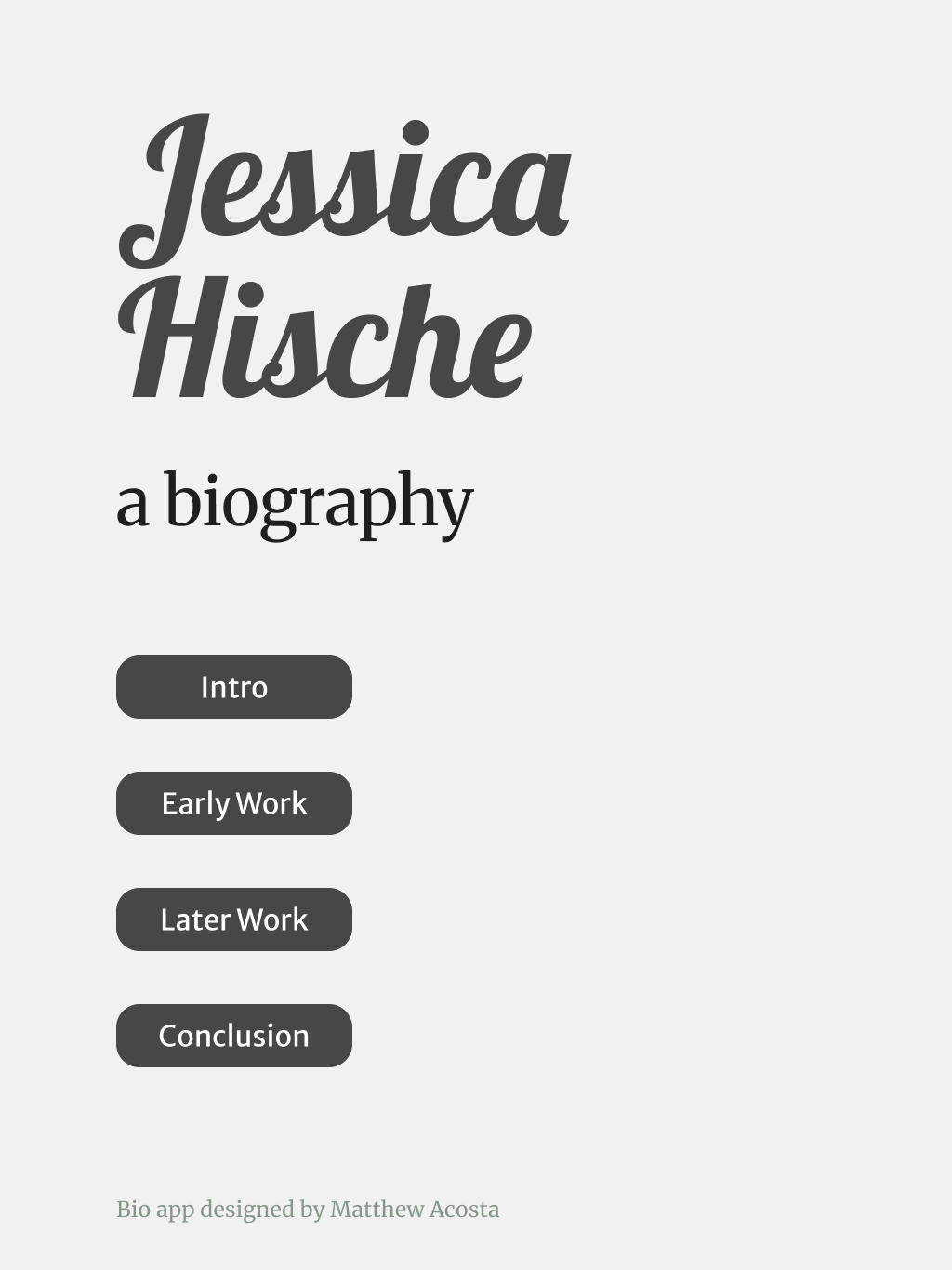
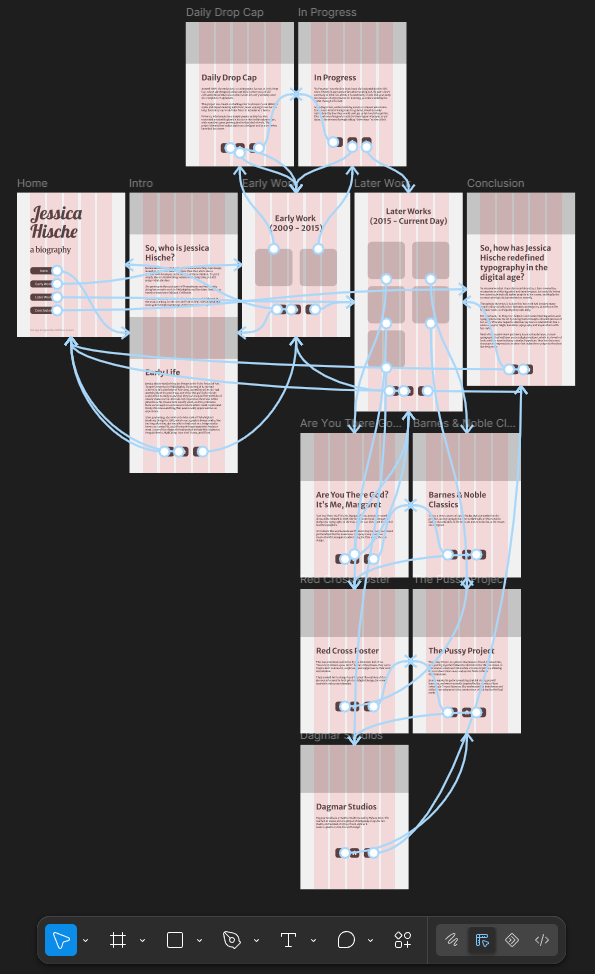
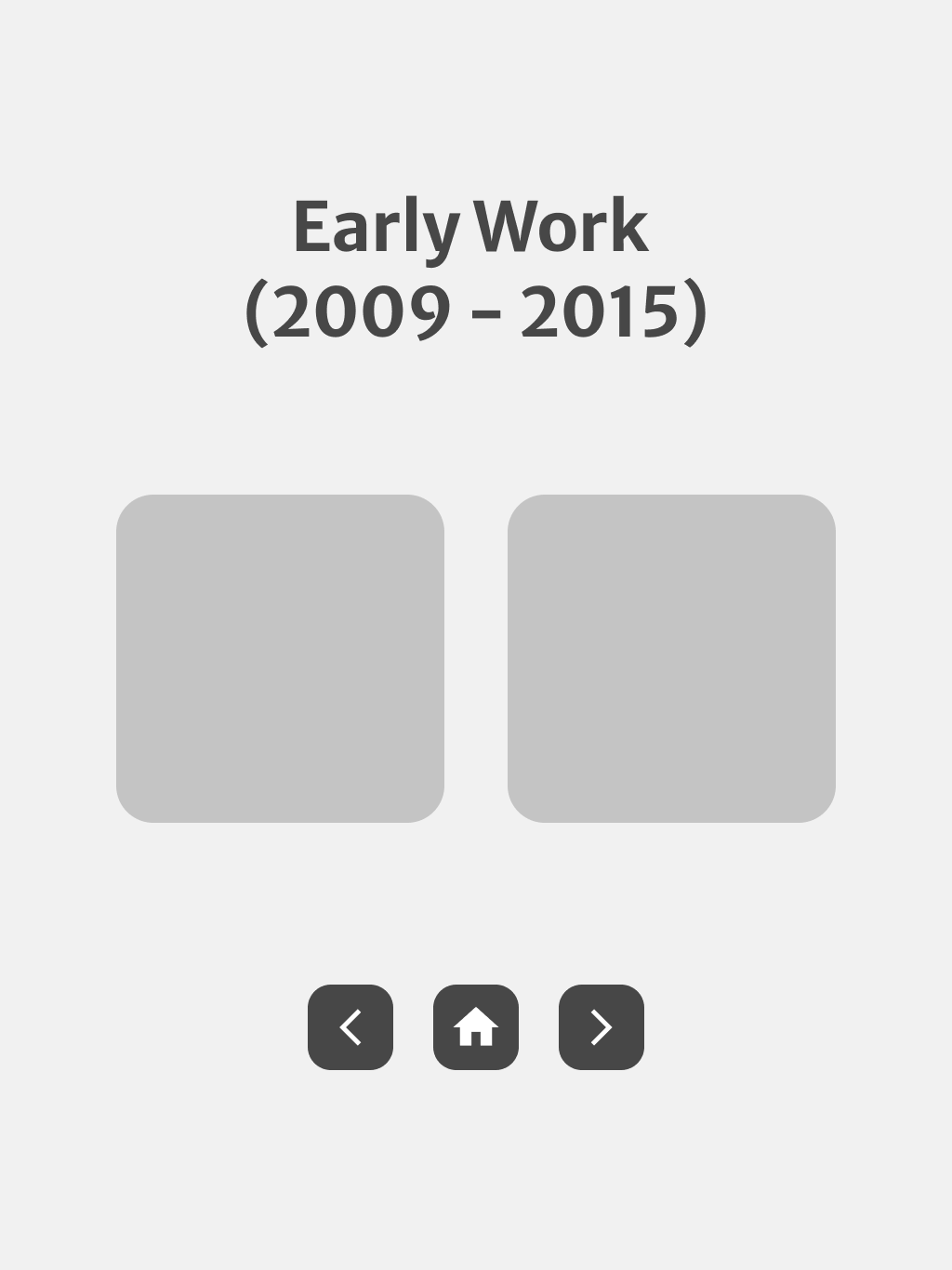
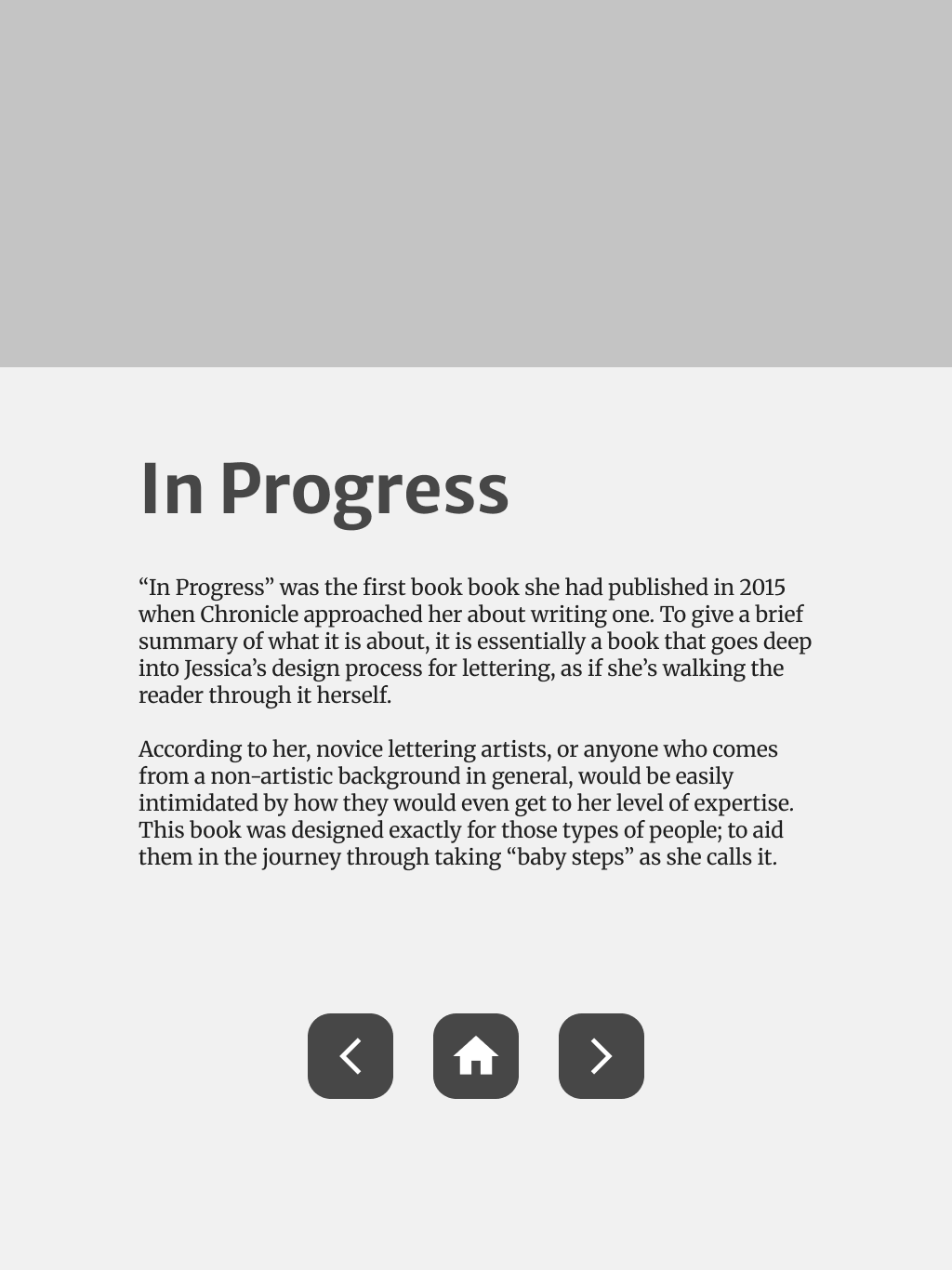
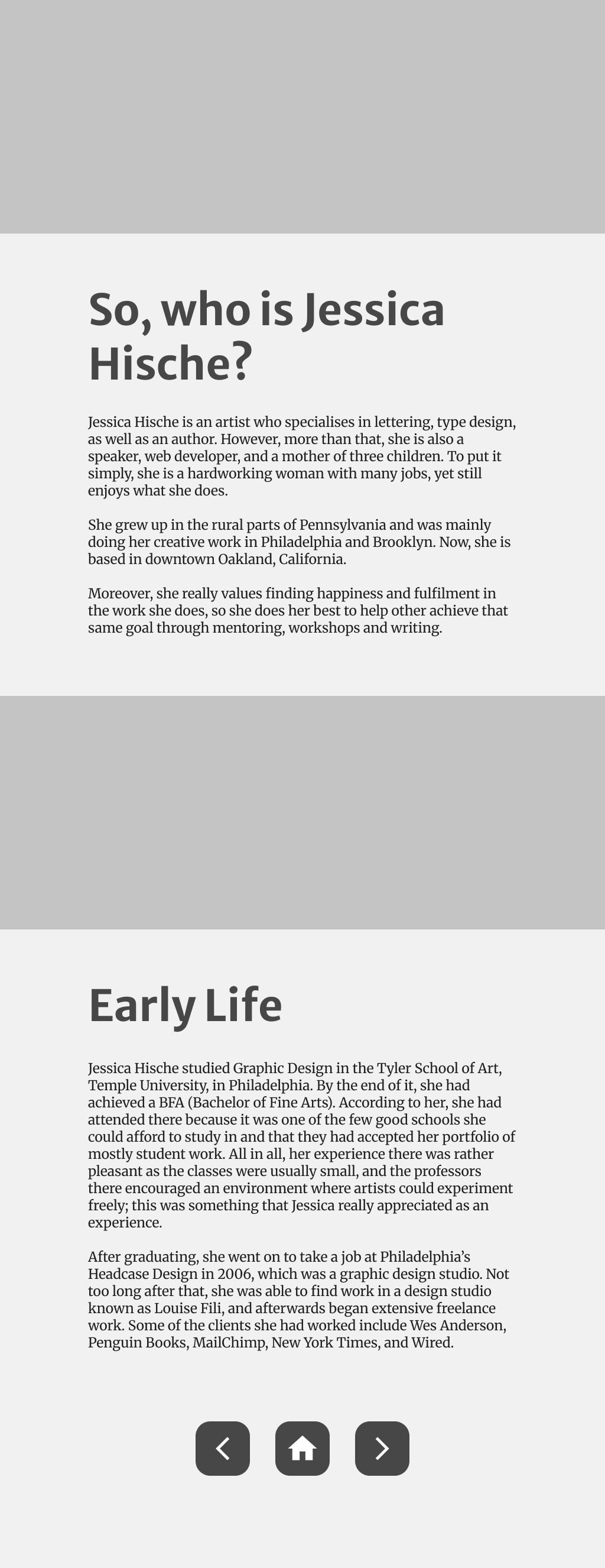
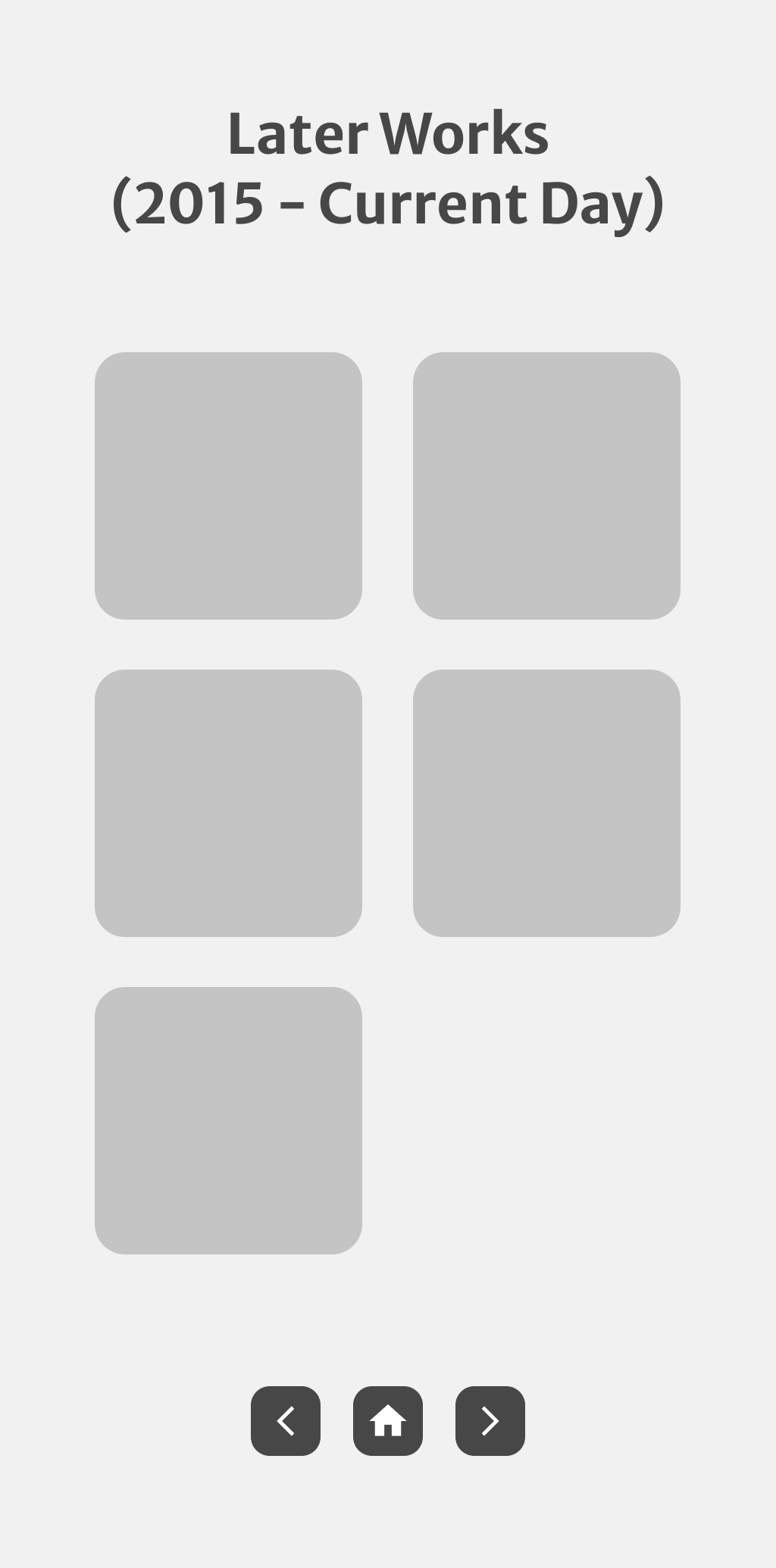
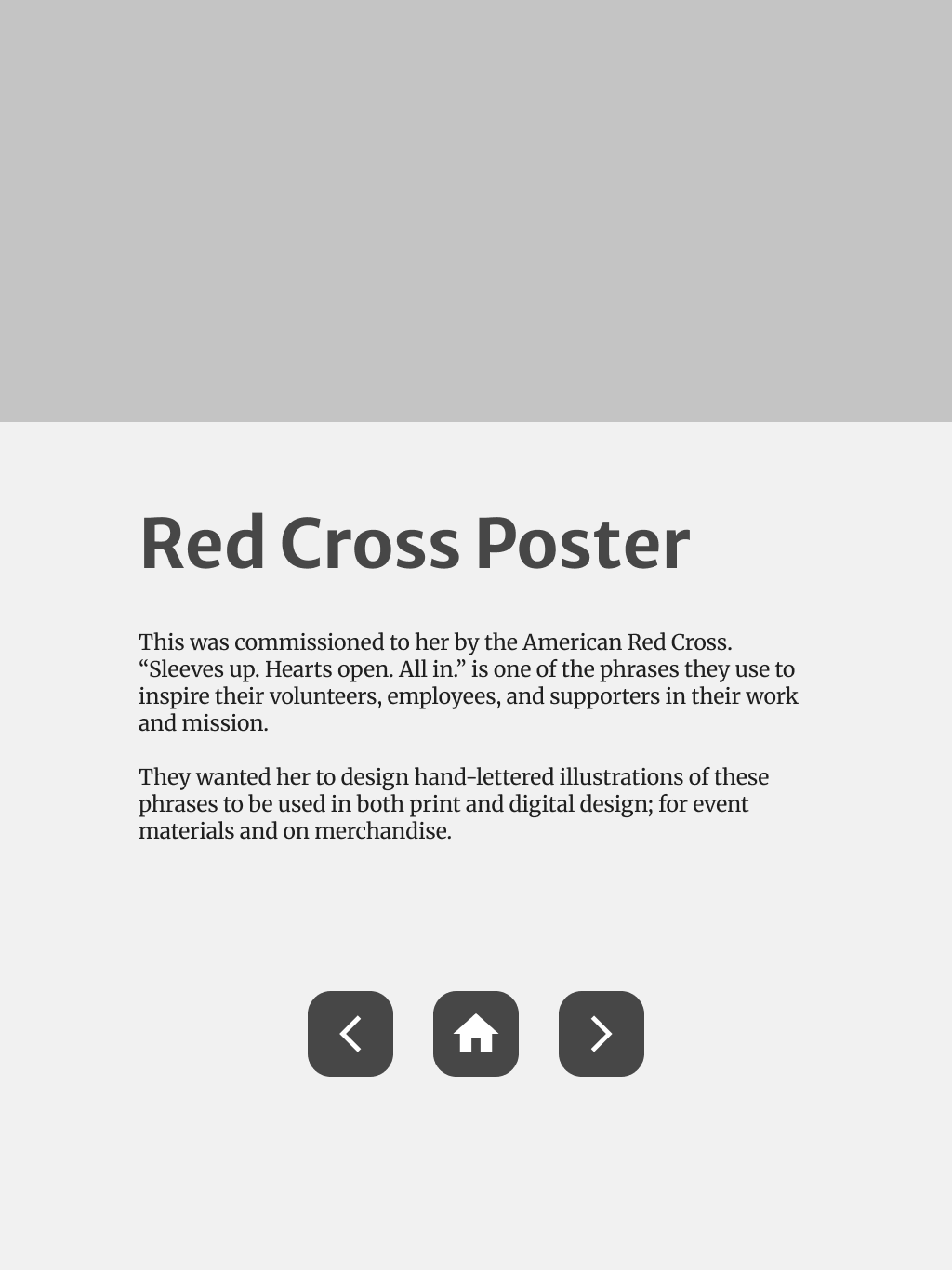
Once I was satisfied with the sketch, I moved onto the wireframing process on Figma — making low-fidelity screens of the app.
The typefaces I chose reflect Hische’s expressive style of typography, as well as somewhat mimicking the style of her website.
I also made the buttons functional by adding interactions on them — clicking one button would lead the user to the respective page.
Design Process — Hi-Fi First Draft
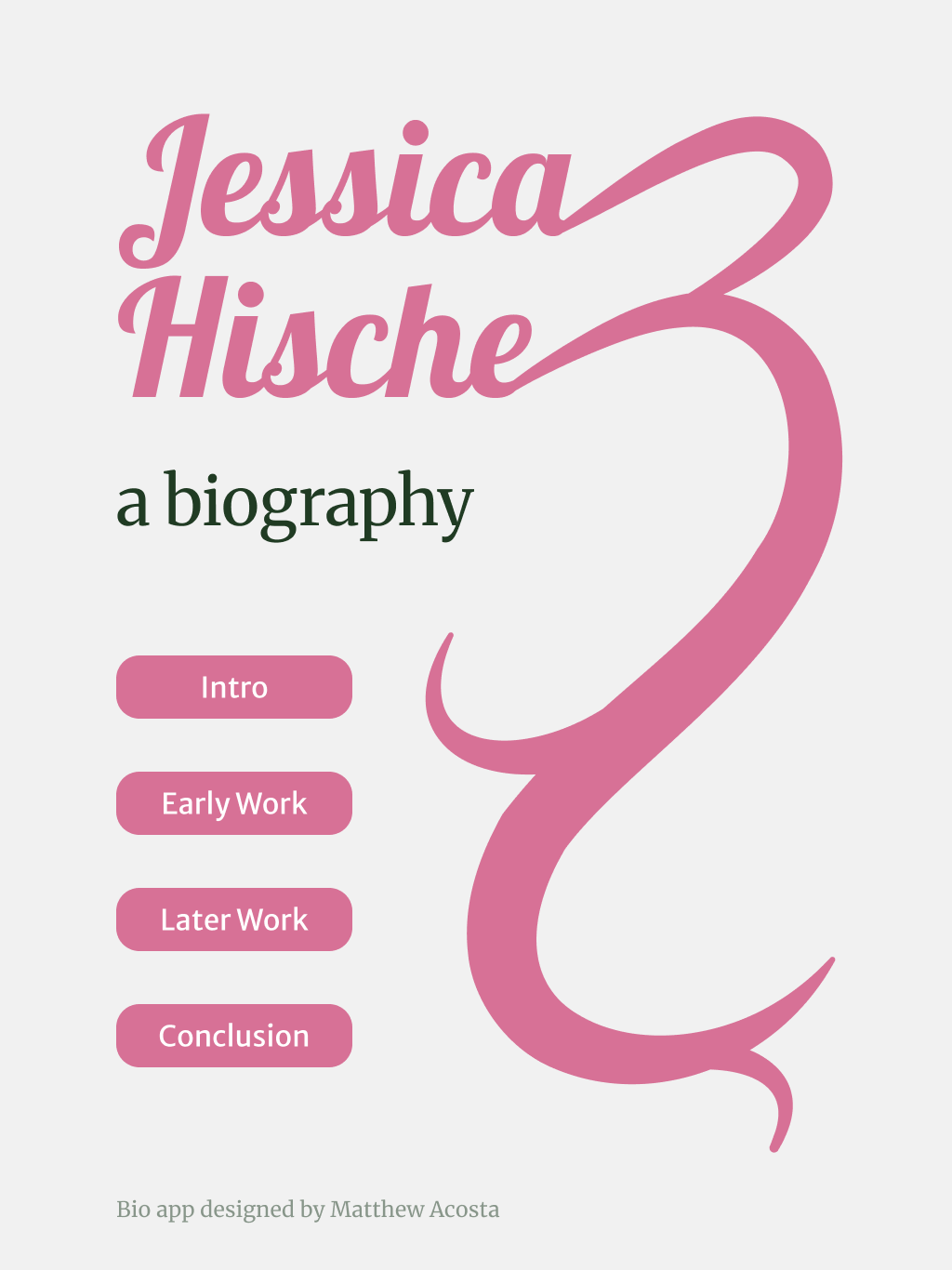
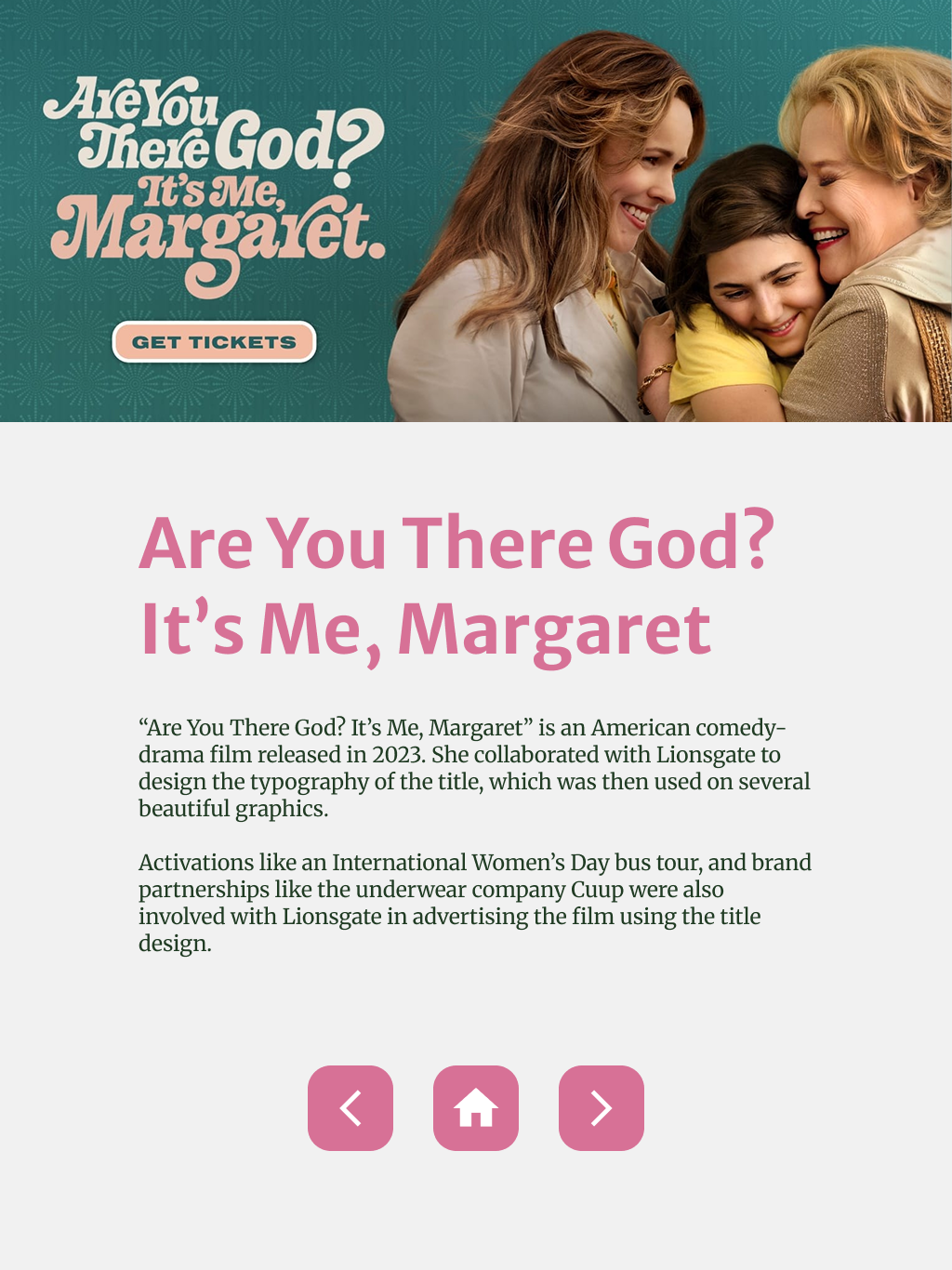
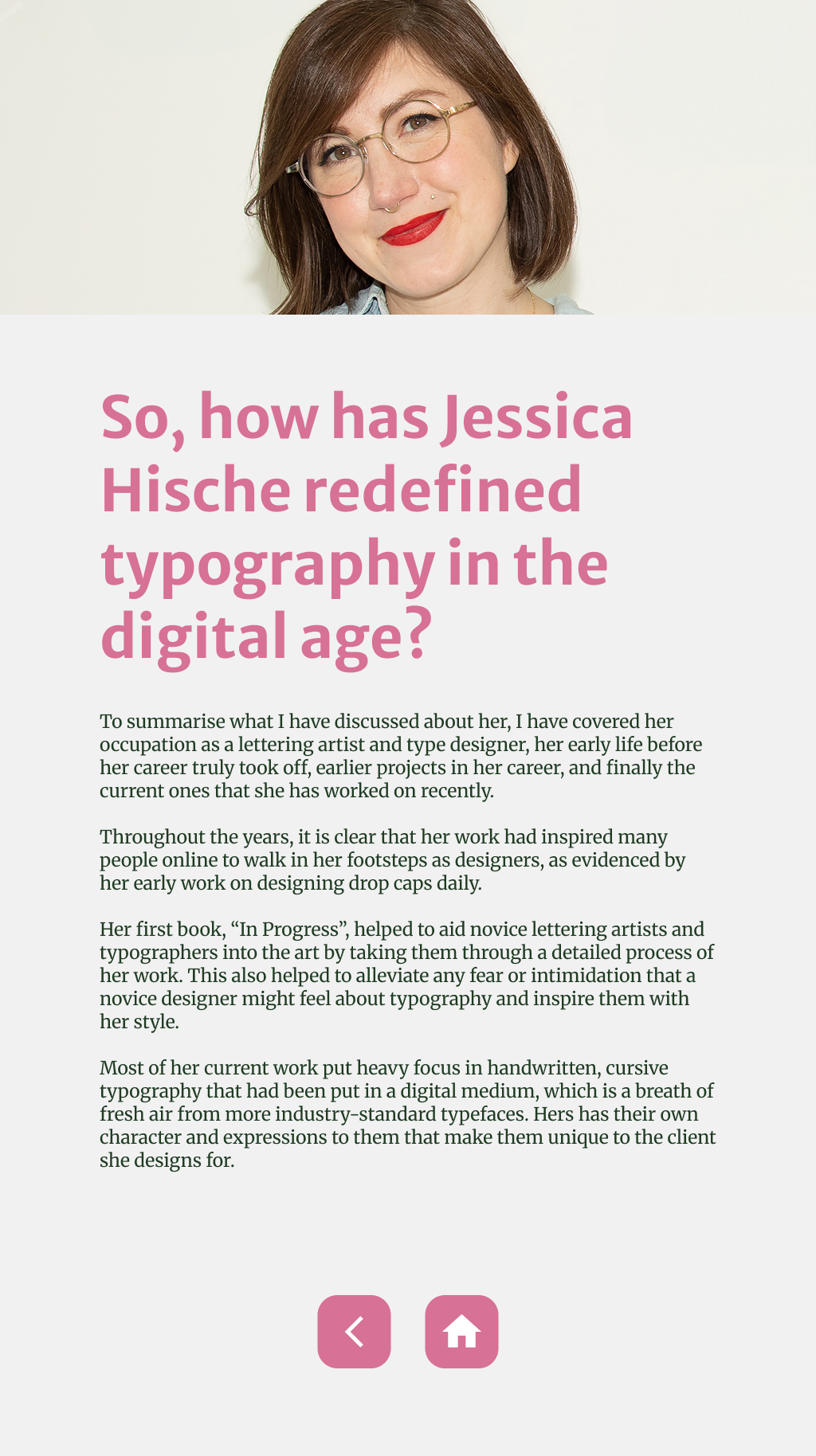
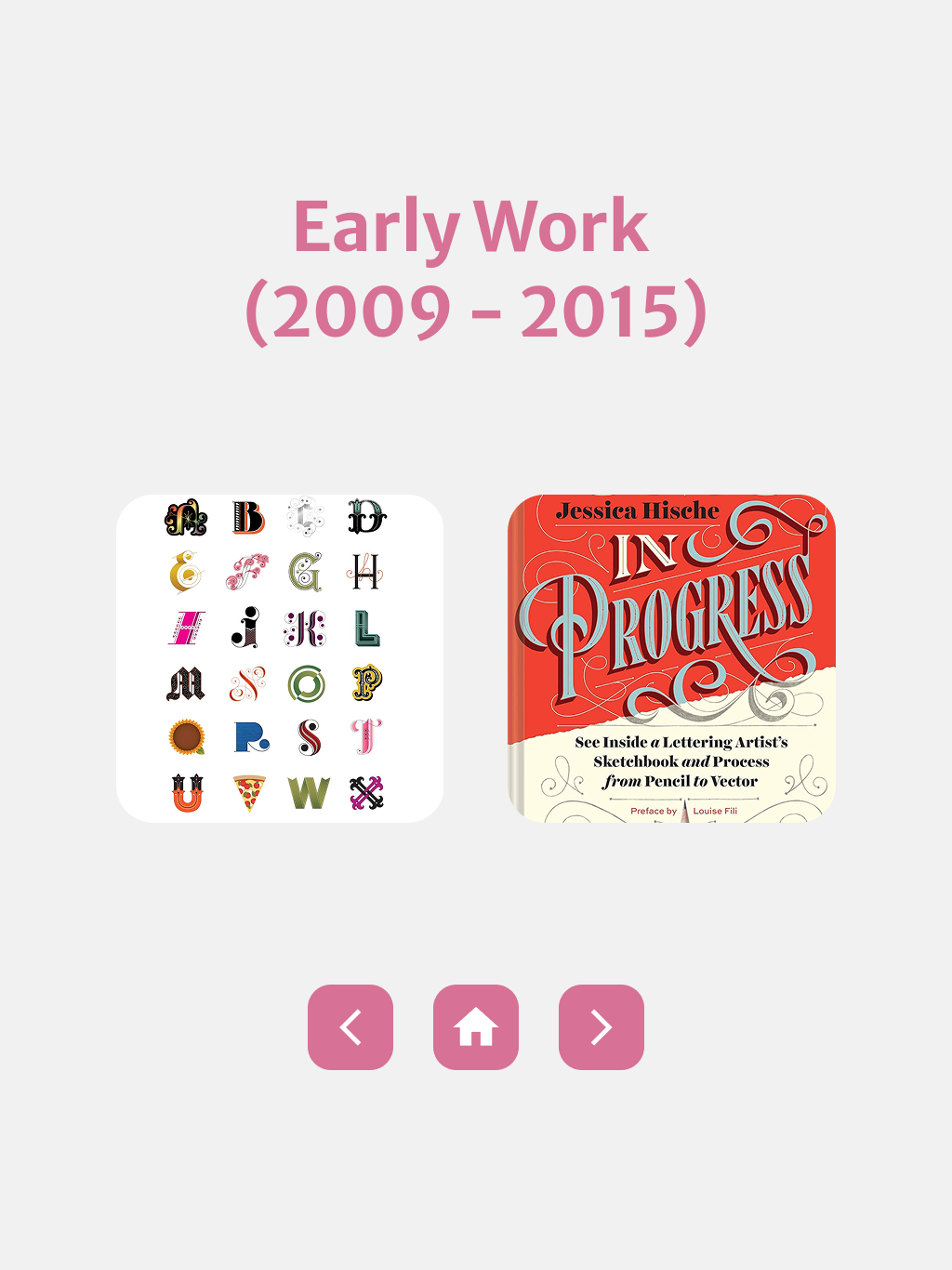
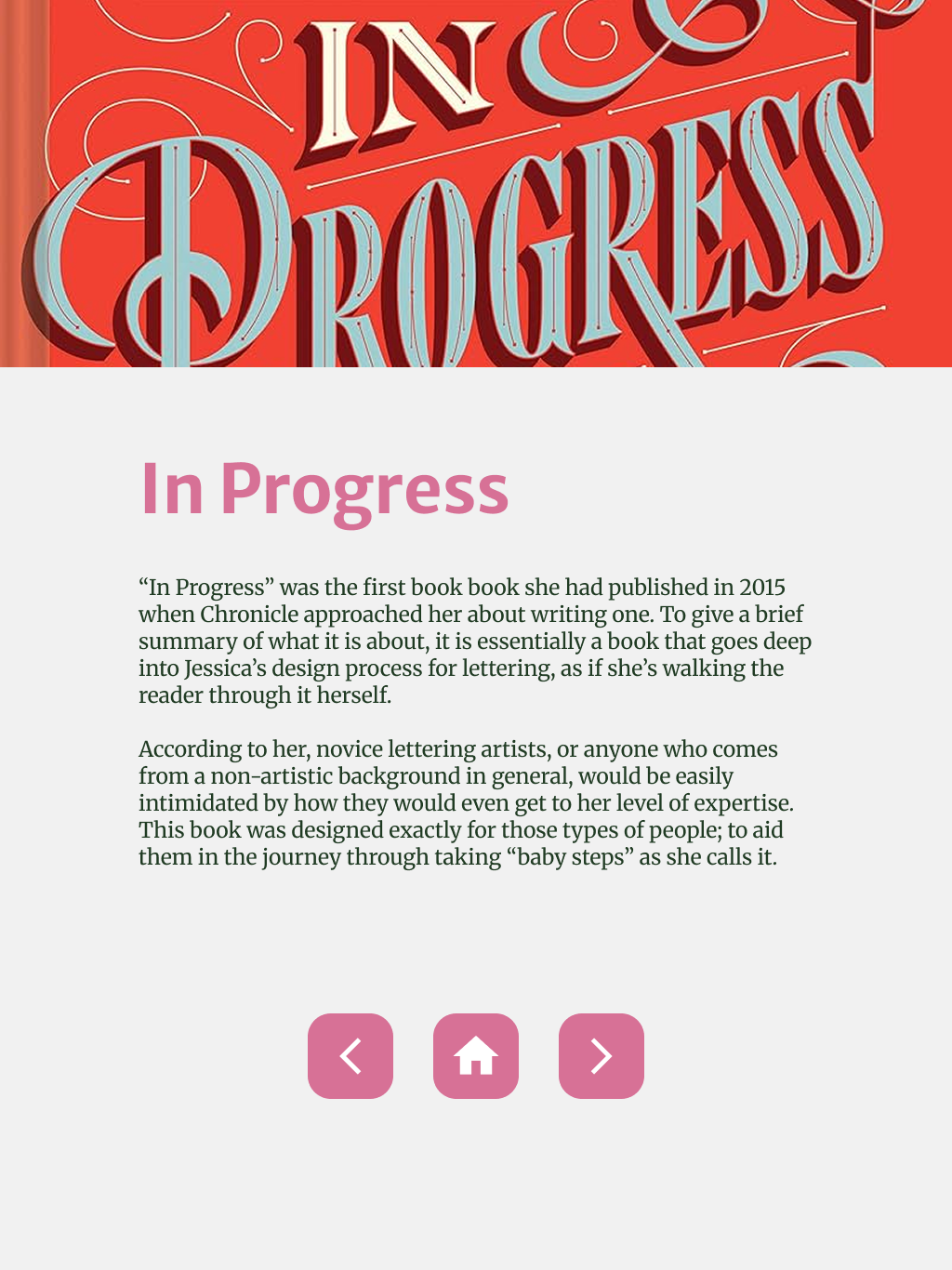
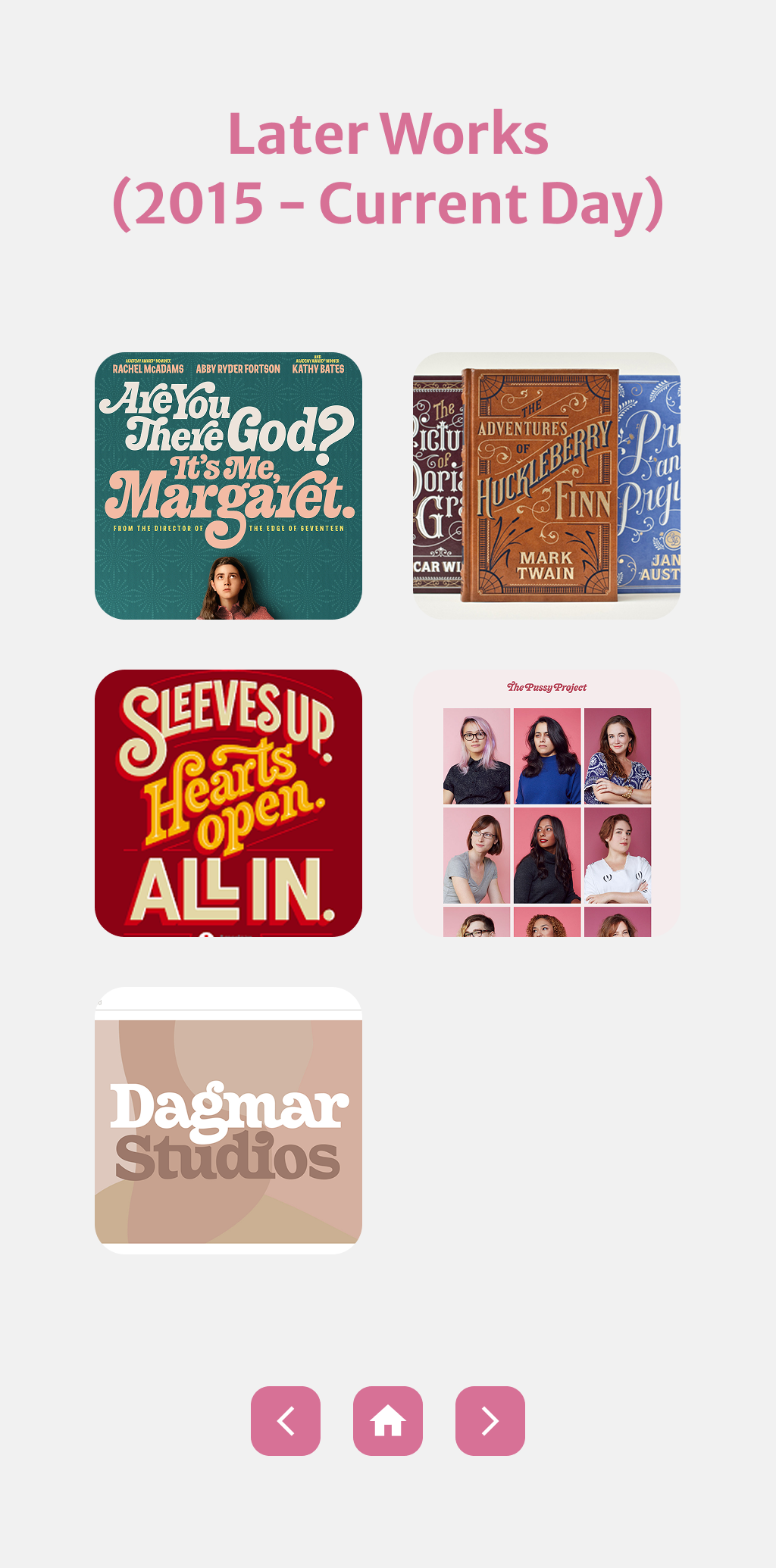
The next part of my process involves turning these low-fidelity screens into high-fidelity ones by adding in colour and simple animations for when a user interacts with a button.
I followed the colour scheme on Hische’s website to ensure I captured her essence on the bio app.
Final Draft
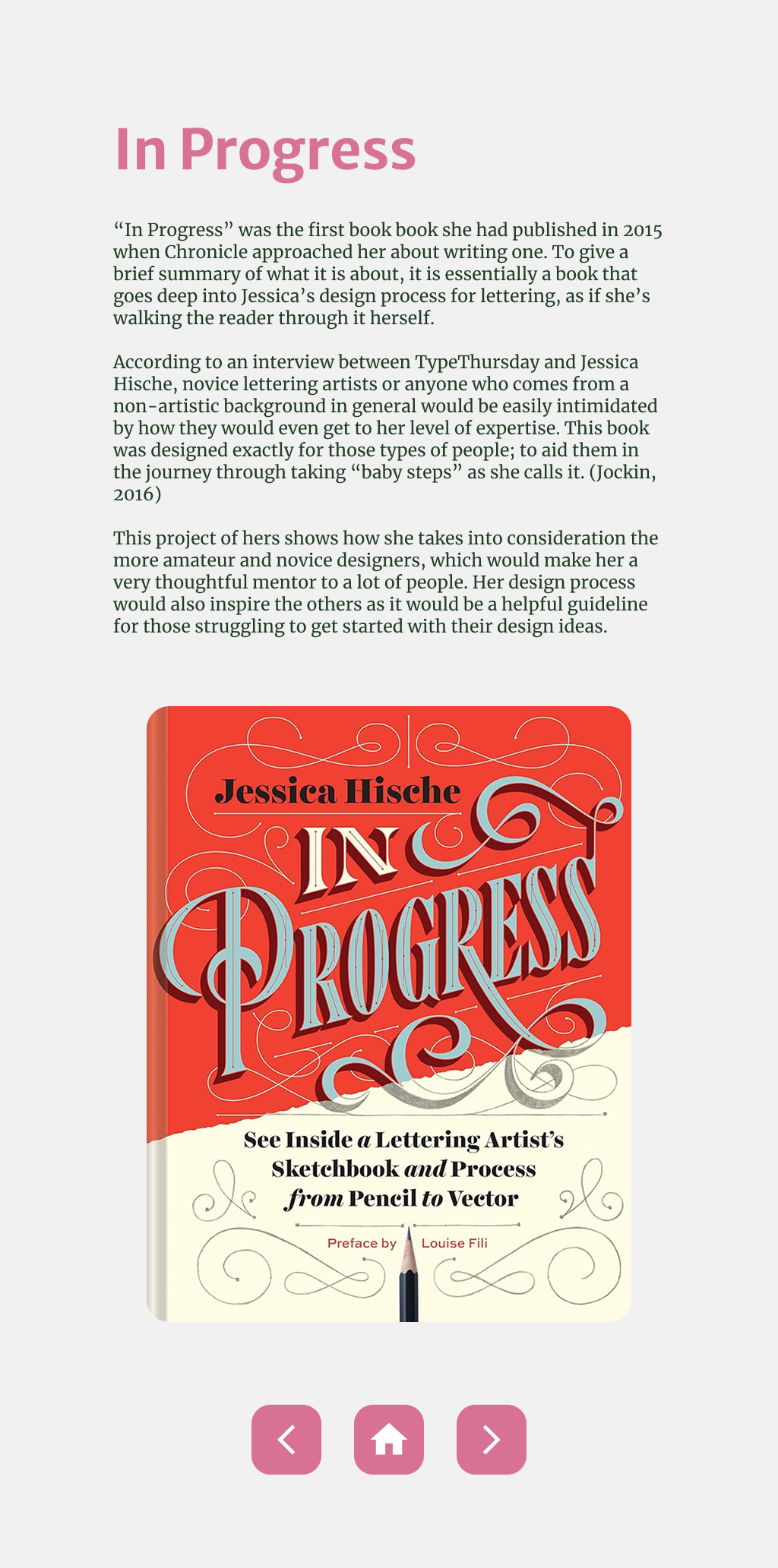
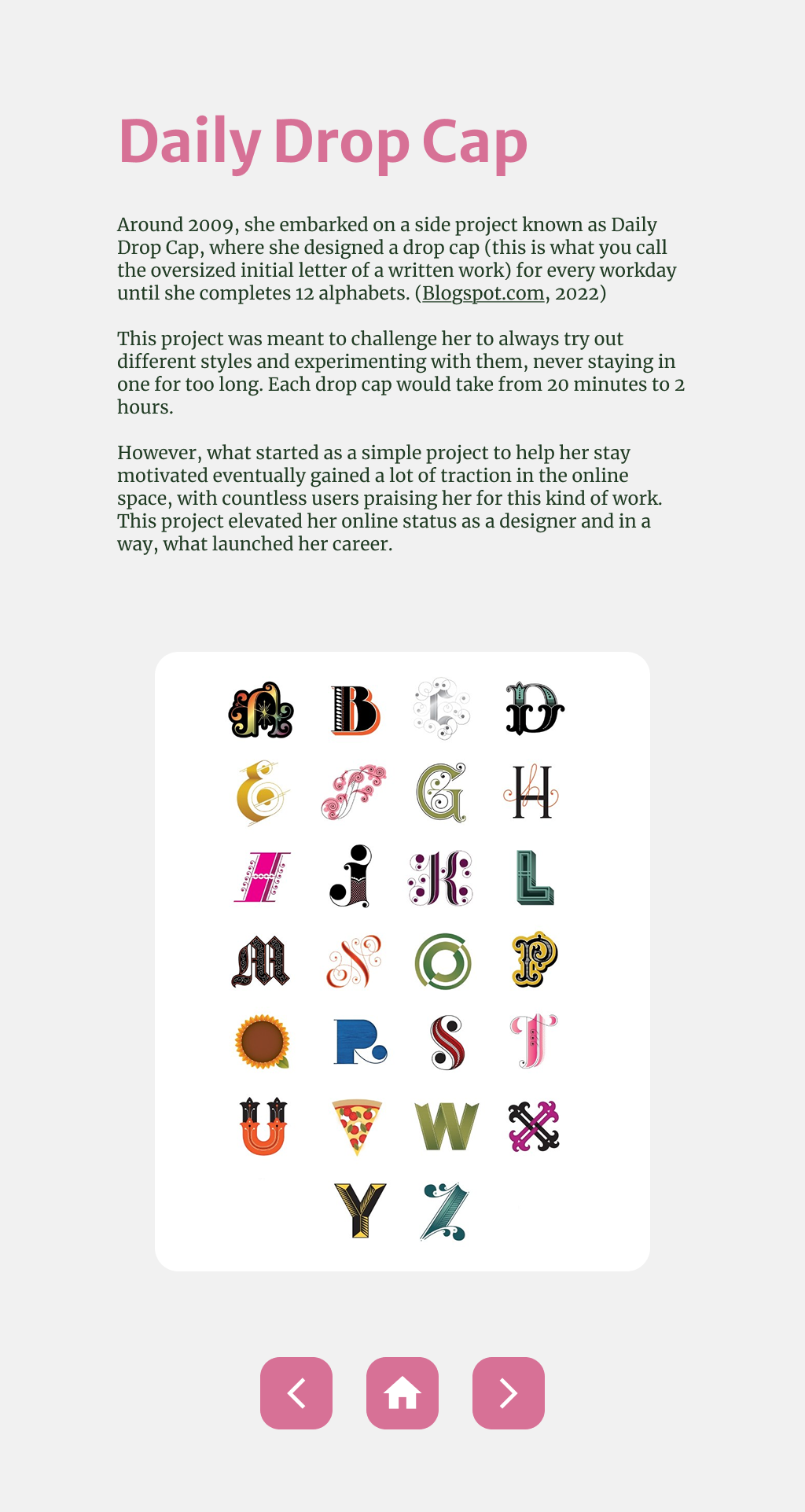
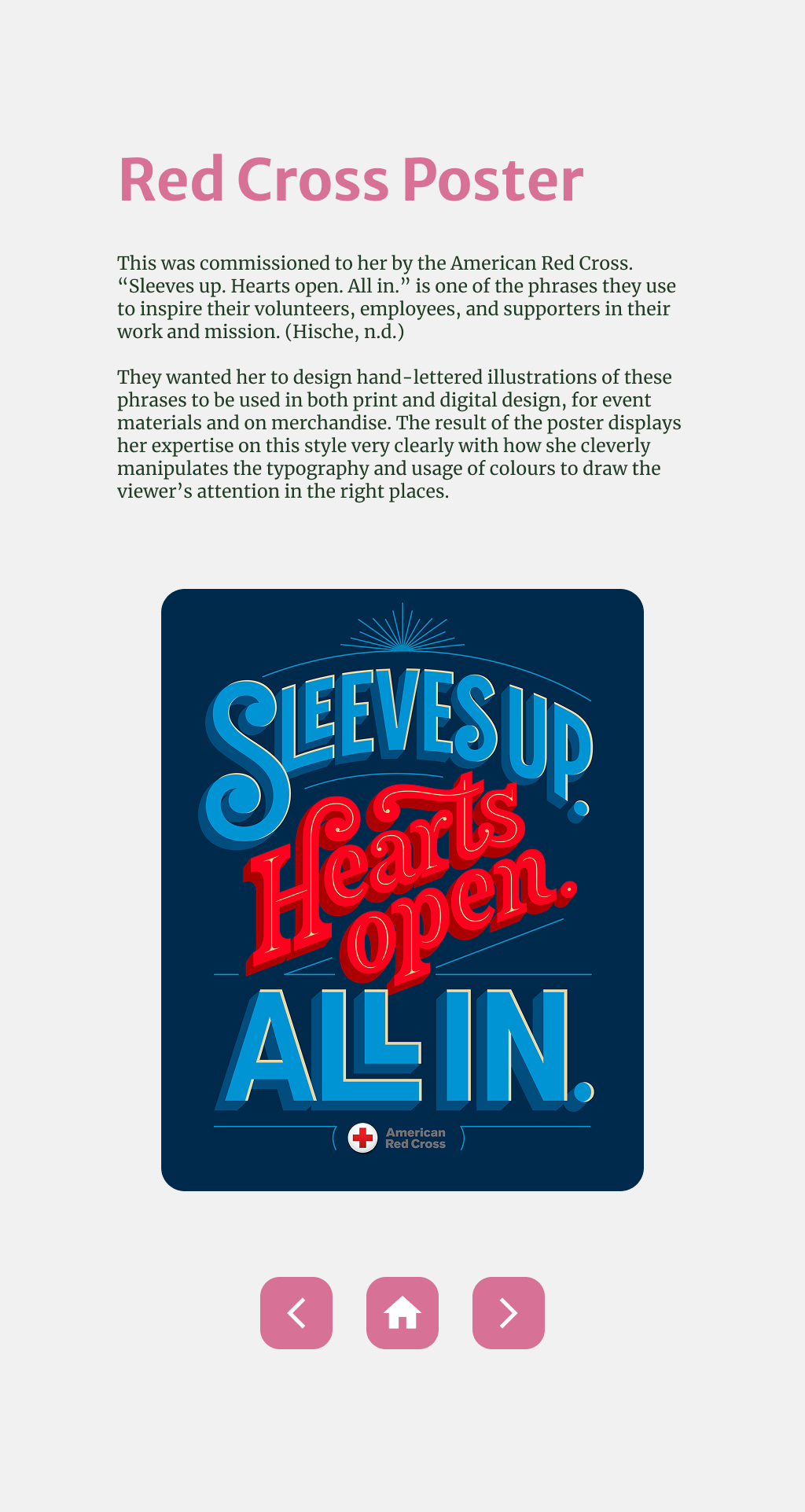
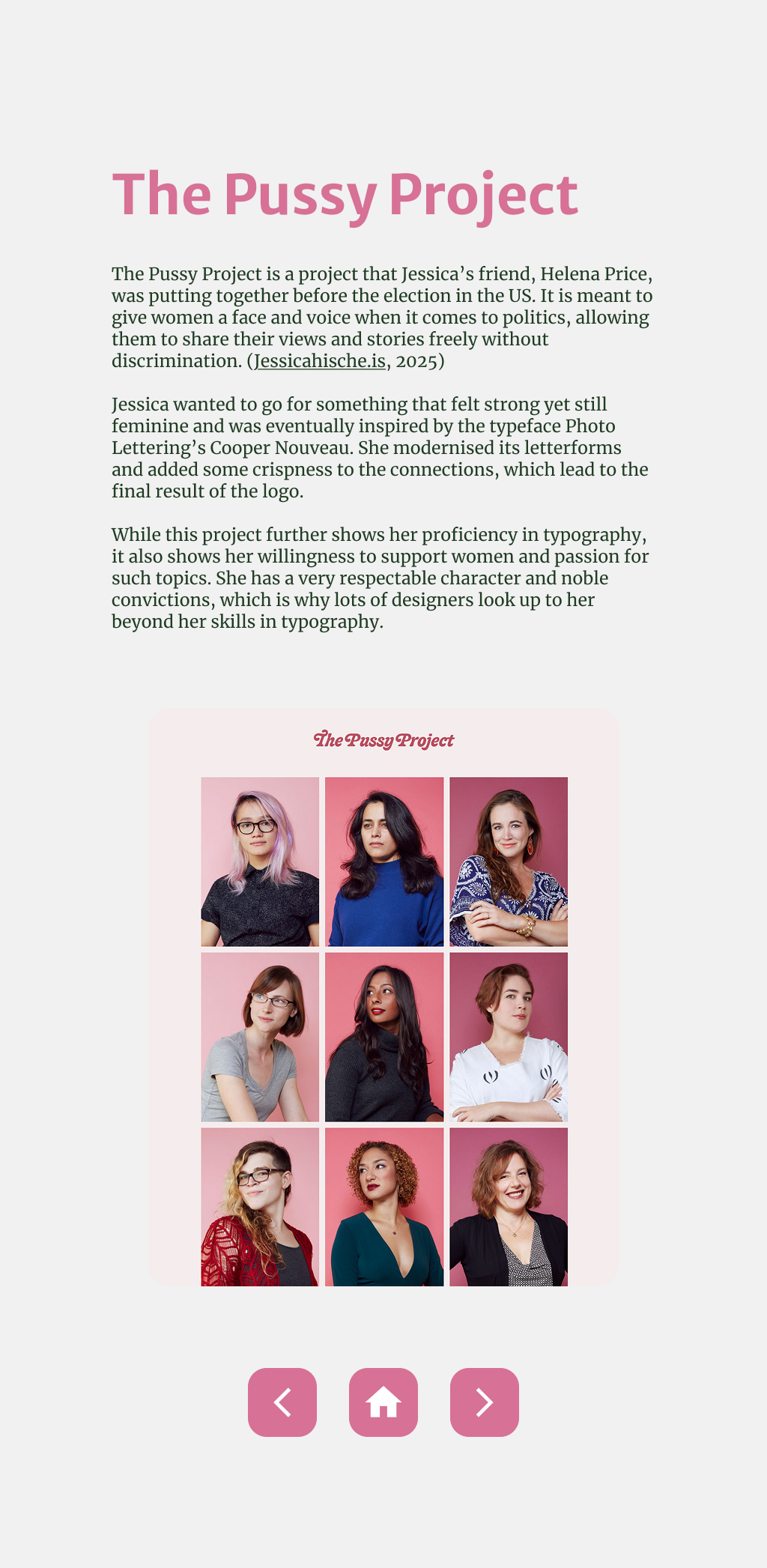
The first draft came with a bunch of feedback from the class when I presented it to be critiqued, a few of which made me realise that I wasn’t really showing Hische’s work in their full beauty with some of them being cropped.
I took that feedback and changed those screens accordingly, now showing her full work without the cropping.
Reflection
There were a lot of technical things I learnt on this project, such as creating component sets for the buttons and content, using the auto layout function on Figma, and also how to make buttons interactable through prototyping.
Most importantly though, I learnt a lot about the designer Jessica Hische herself, gaining insight in what her process is like, her thought processes behind her many different works, as well as who she is as a person. It helped me appreciate what she does and how she does it more, as well as inspiring me in my own design journey.
However, this project didn’t come without its challenges. As this was one of the first instances I was prototyping an app, that process was somewhat foreign to me, as well as the time constraint I had with this when considering the other projects I had to do in that same year. To cope with it, I had to prioritise what was more urgent (and unfortunately some all-nighters), but eventually I was able to get them done on time. In the future, I will make an effort to use my time more wisely and spend more time on the projects that would actually challenge me.